ScoreVibe
All your scores, ready on the stand.
ScoreVibe is a sheet music reader for Android tablets. Import PDFs and scans, mark them up with your stylus, build setlists, and rehearse with a tuner, metronome and piano built in.
Works offlineNo account neededFiles stay on your tablet
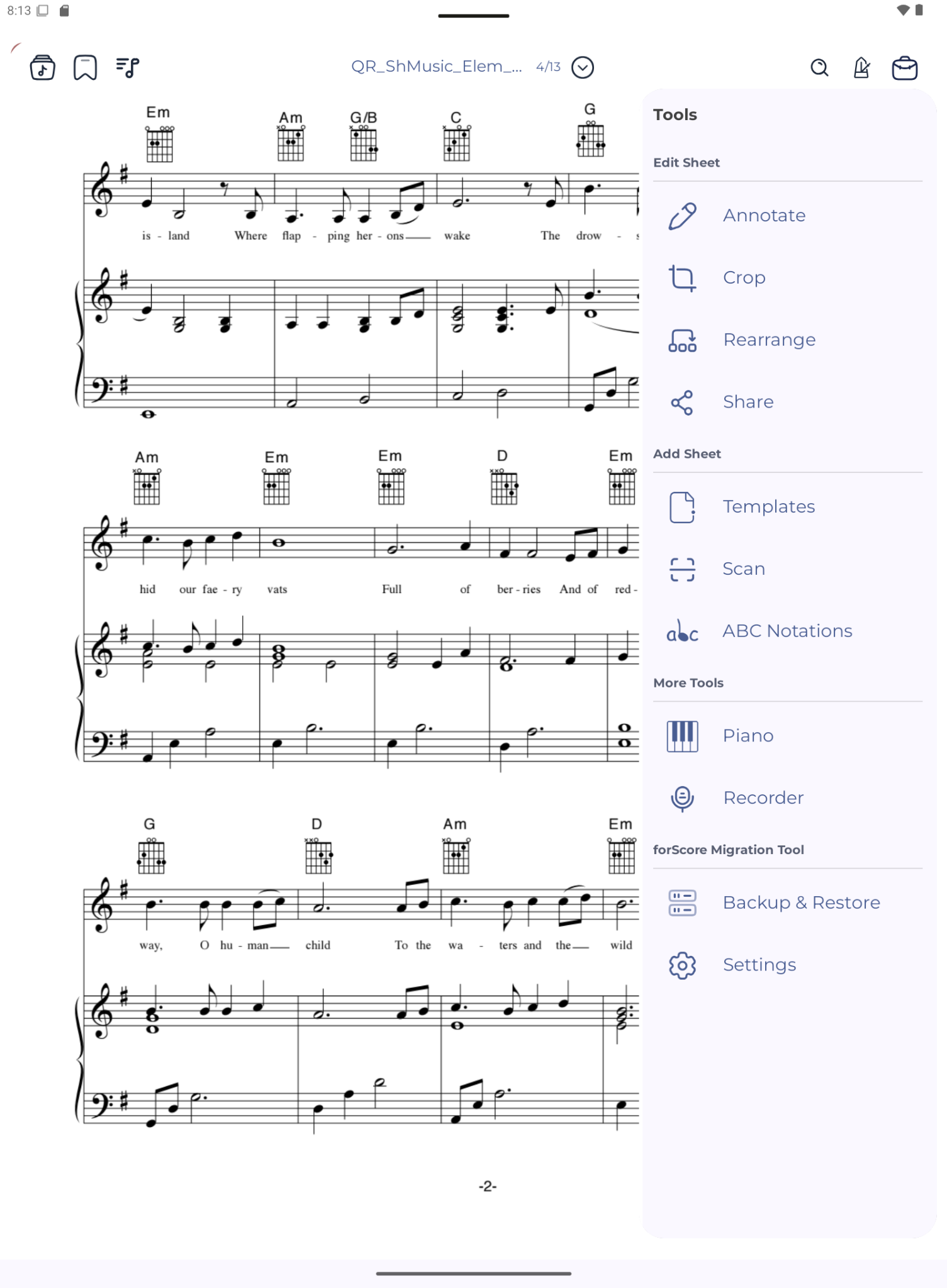
From a stack of paper to the concert, in one app.
Everything happens on the tablet you already bring to rehearsal.
- A
Import
PDFs, photos, camera scans or ABC notation.
- B
Organize
Composer, tags, labels and setlists keep a big library searchable.
- C
Edit
Crop, straighten and reorder pages so scans read cleanly.
- D
Annotate
Pen, highlighter, text and layers, with palm rejection.
- E
Rehearse
Tuner, metronome, piano, recorder and attached audio.
- F
Perform
Turn pages by tap, pedal or head movement. No signal needed.
Mark it up the way you would in pencil.
Double-tap the page to start writing. Breath marks, fingerings and cues land exactly where you put them, and stay out of the way when you don't need them.
- Stylus-first. Pressure-sensitive strokes and palm rejection.
- Layers. Keep your part's markings separate from the conductor's.
- Bookmarks. Jump straight to the solo, the coda or letter K.
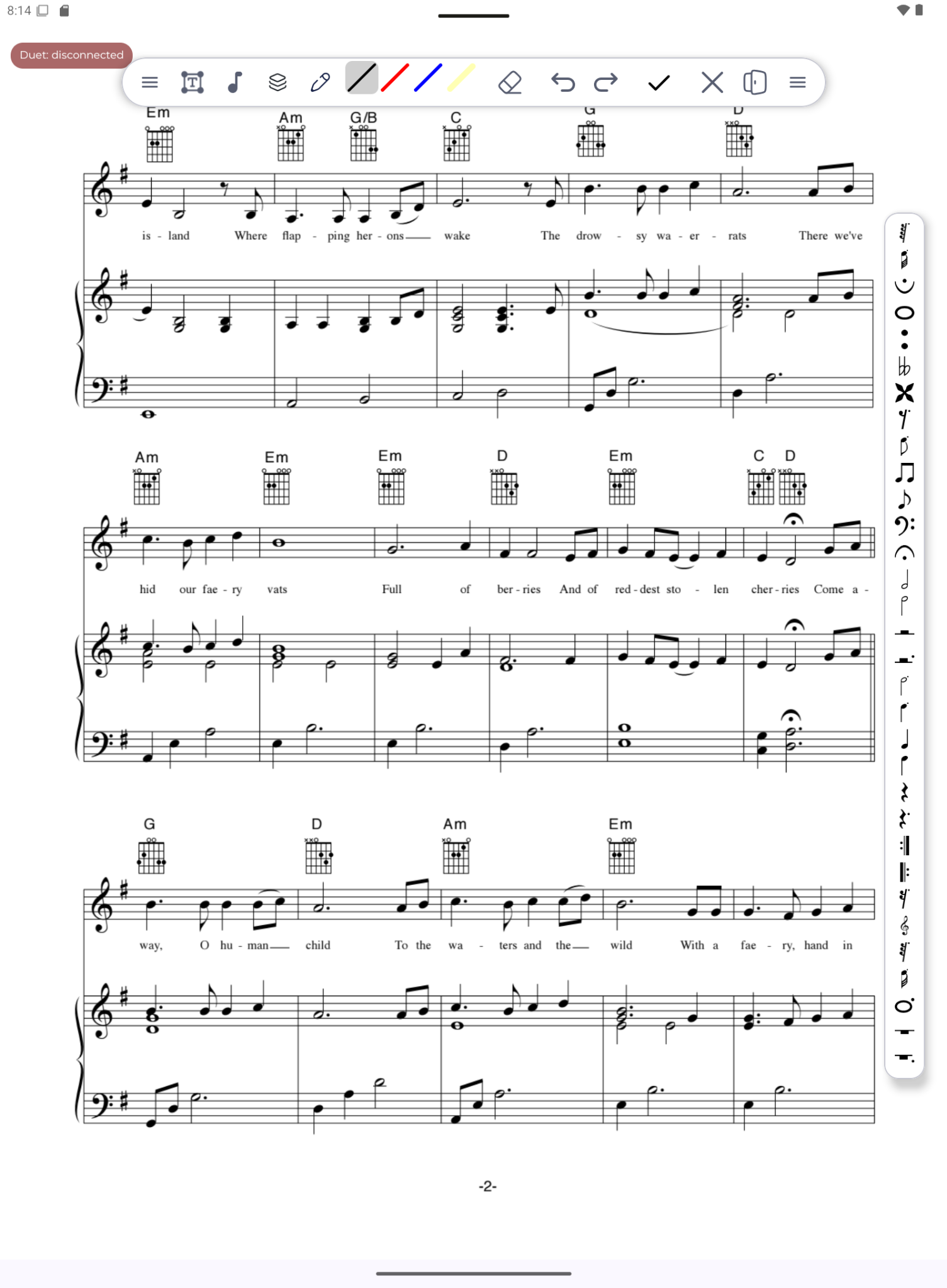
Turn a crooked phone photo into a clean page.
Scans rarely come out straight. Crop the margins, level the staves and lift the contrast so the page reads clearly under stage lights.
- Auto-crop and align in one tap, with manual control when you want it.
- Rearrange pages to follow repeats and D.S. jumps in order.
- Scan with the camera or import a batch of photos at once.
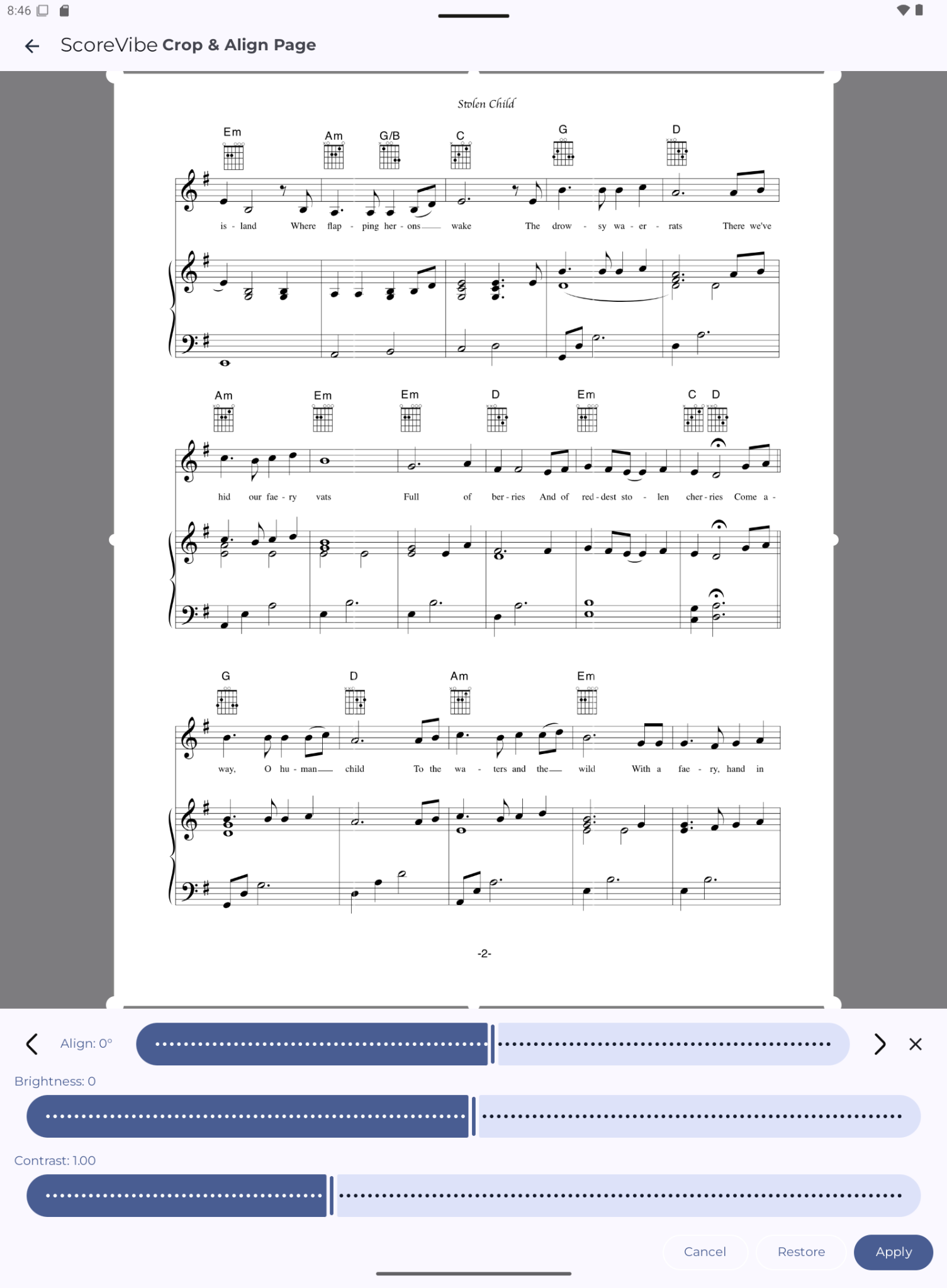
Rehearse without leaving the score.
The practice tools open over the music, so you can check a pitch or set a tempo and keep your place on the page.
- Tuner and metronome with presets for guitar, bass, ukulele and more.
- Virtual piano for checking intervals and starting notes.
- Attach recordings and slow them down from 25% speed.
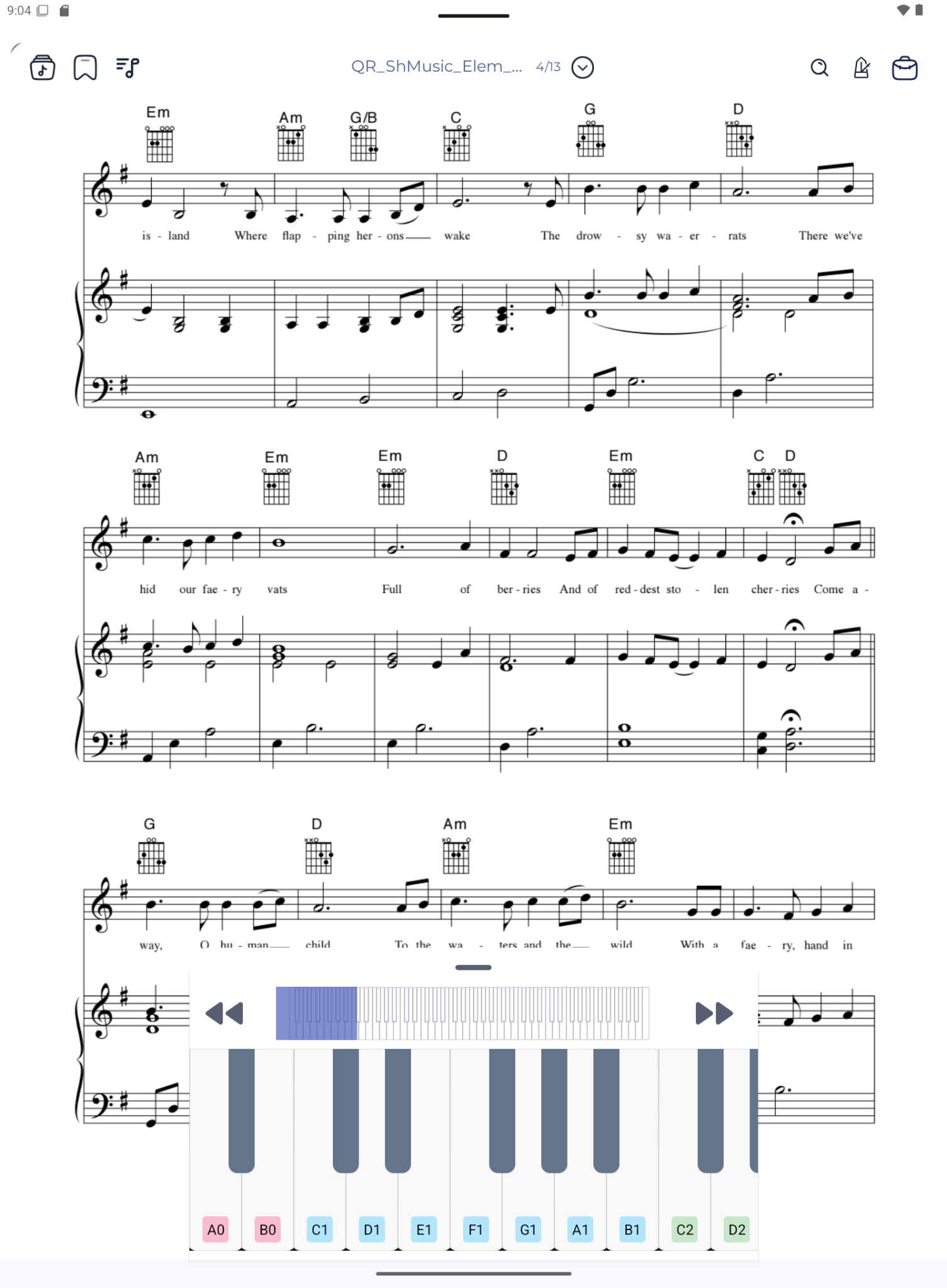
Start free. Upgrade when your library grows.
Try ScoreVibe free with up to eight sheets. Pro removes the limits and adds setlists, recording, page rearranging and backups.
| Feature | Free | Pro |
|---|---|---|
| Sheets in your library | Up to 8 | Unlimited |
| Audio tracks per sheet | 1 | Unlimited |
| Rehearsal recorder | Not included | Included |
| Setlists | Not included | Included |
| Rearrange pages | Not included | Included |
| Backup and restore | Not included | Included |
| Other advanced tools | Not included | Included |
See it in under a minute.
A quick walk through importing a score, marking it up and getting it ready for rehearsal.

Your music stays on your tablet.
Your scores, markings and setlists are stored on the device and nowhere else. Nothing to sign into, nothing to sync, and nothing that stops working when the venue Wi-Fi does.
- No accountOpen the app and start reading
- No adsNothing between you and the music
- No trackingThe app collects no personal data
- No cloud syncFiles live on the tablet only
- Fully offlineBuilt for stages without signal
- One-file backupsMove your whole library at once
Bring your whole library to the next rehearsal.
Free to download. Your first eight scores are on us.