📚
Getting Started
Open your library, import your first score, and learn the main navigation.
Interactive user guide
A complete visual guide for importing scores, organizing your library, annotating, rehearsing with audio, scanning pages, using ABC notation, syncing tablets, and backing up your music.
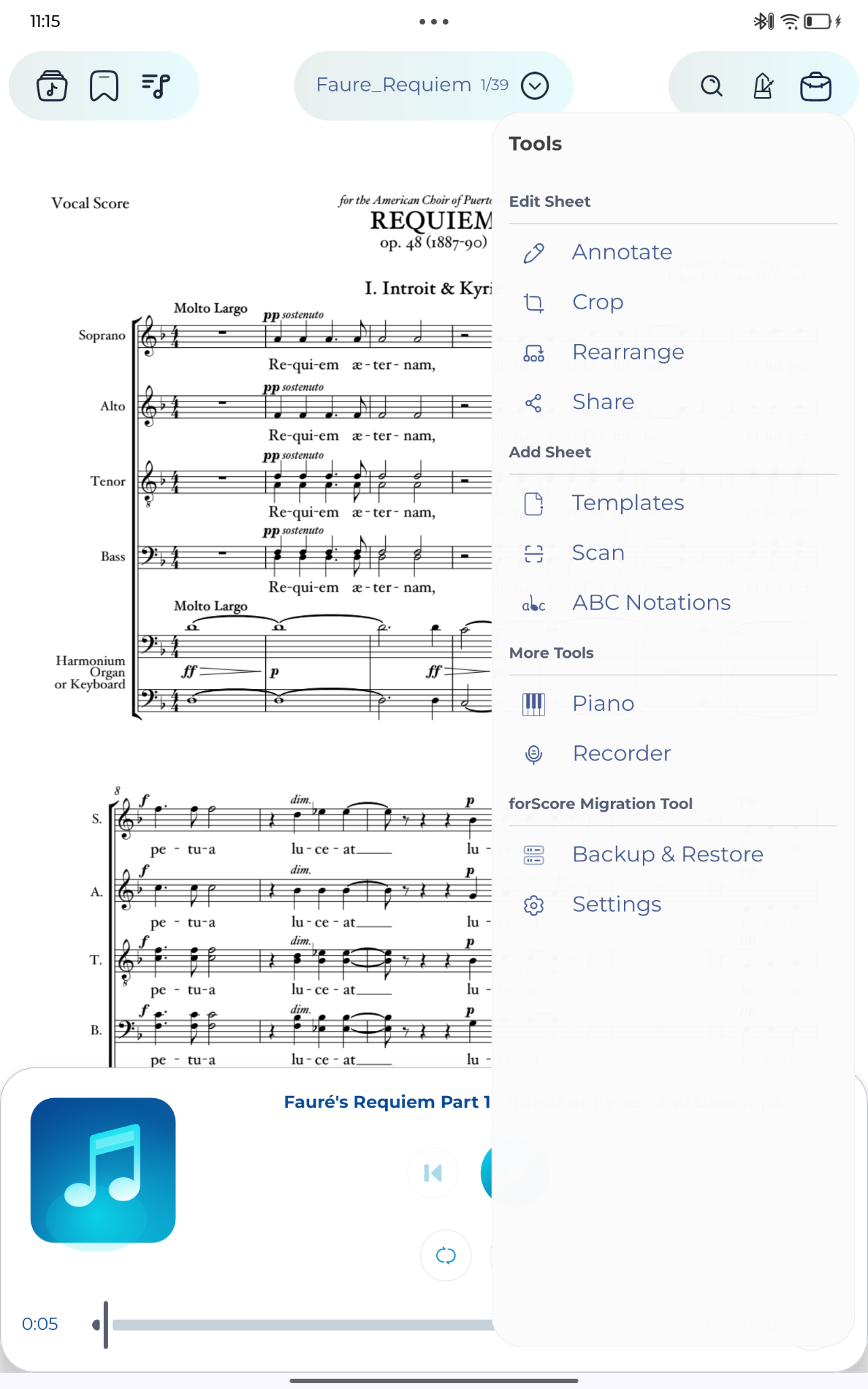
Jump to a feature
Open your library, import your first score, and learn the main navigation.
Use metadata, libraries, filters, tags, labels, composers, and ratings to keep a large music library easy to search.
Read scores in a clean viewer with tap, swipe, zoom, pan, split view, and text search.
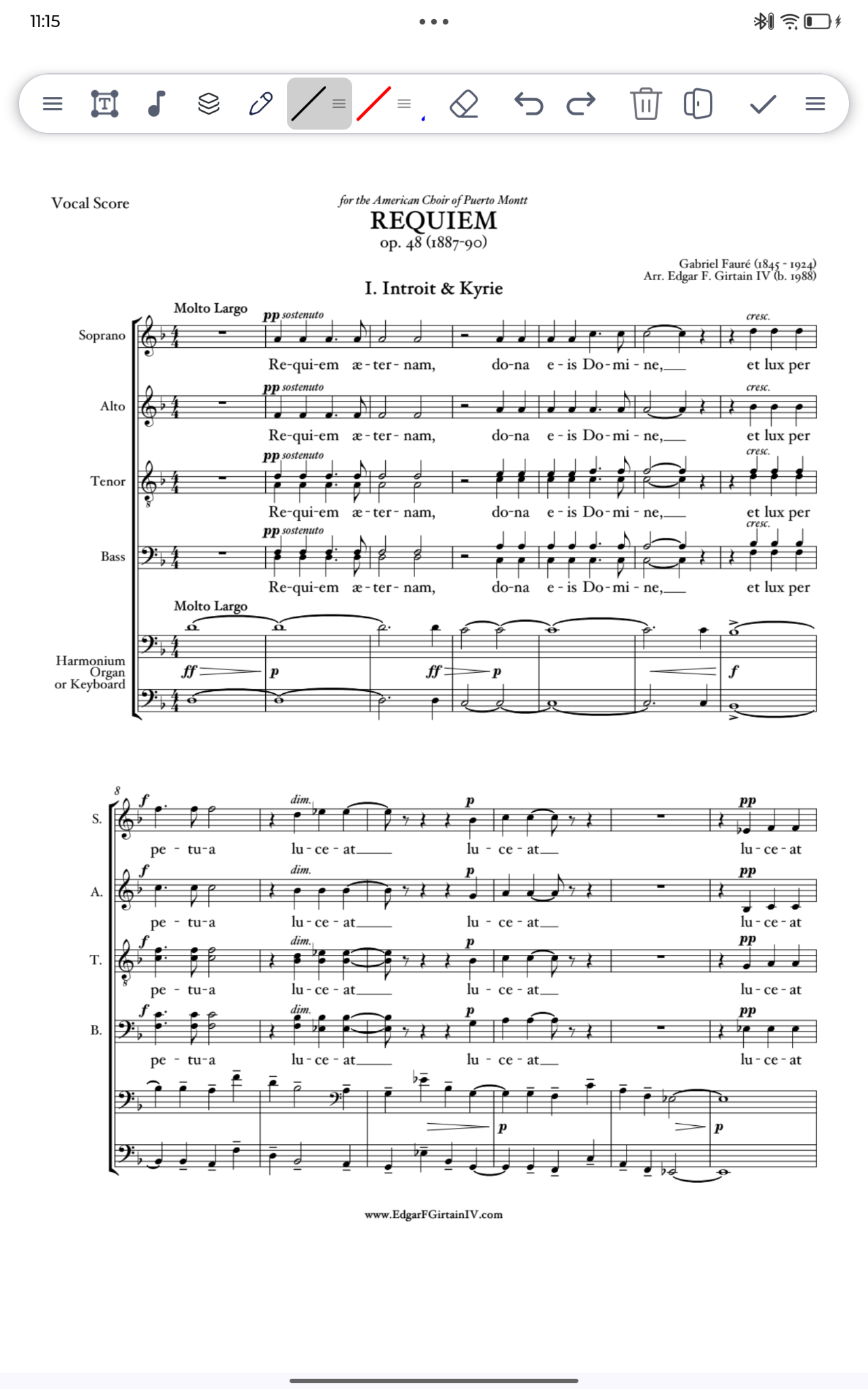
Mark music naturally with pen, highlighter, eraser, text, stickers, presets, layers, undo, and redo.
Attach MP3 files and YouTube links to sheets for rehearsal, reference, backing tracks, and page-turn recording.
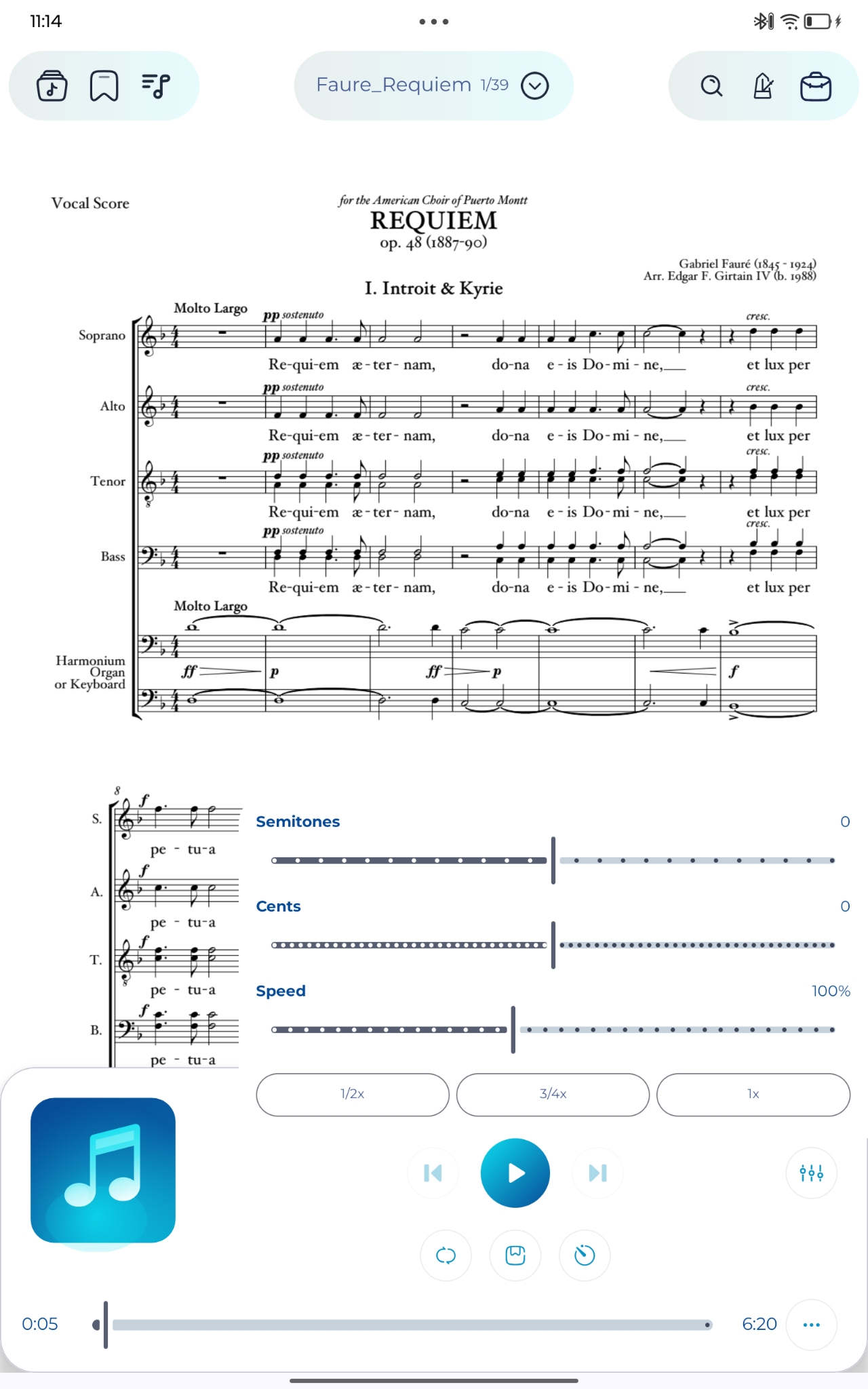
Practice difficult passages by slowing audio down or changing pitch for local files.
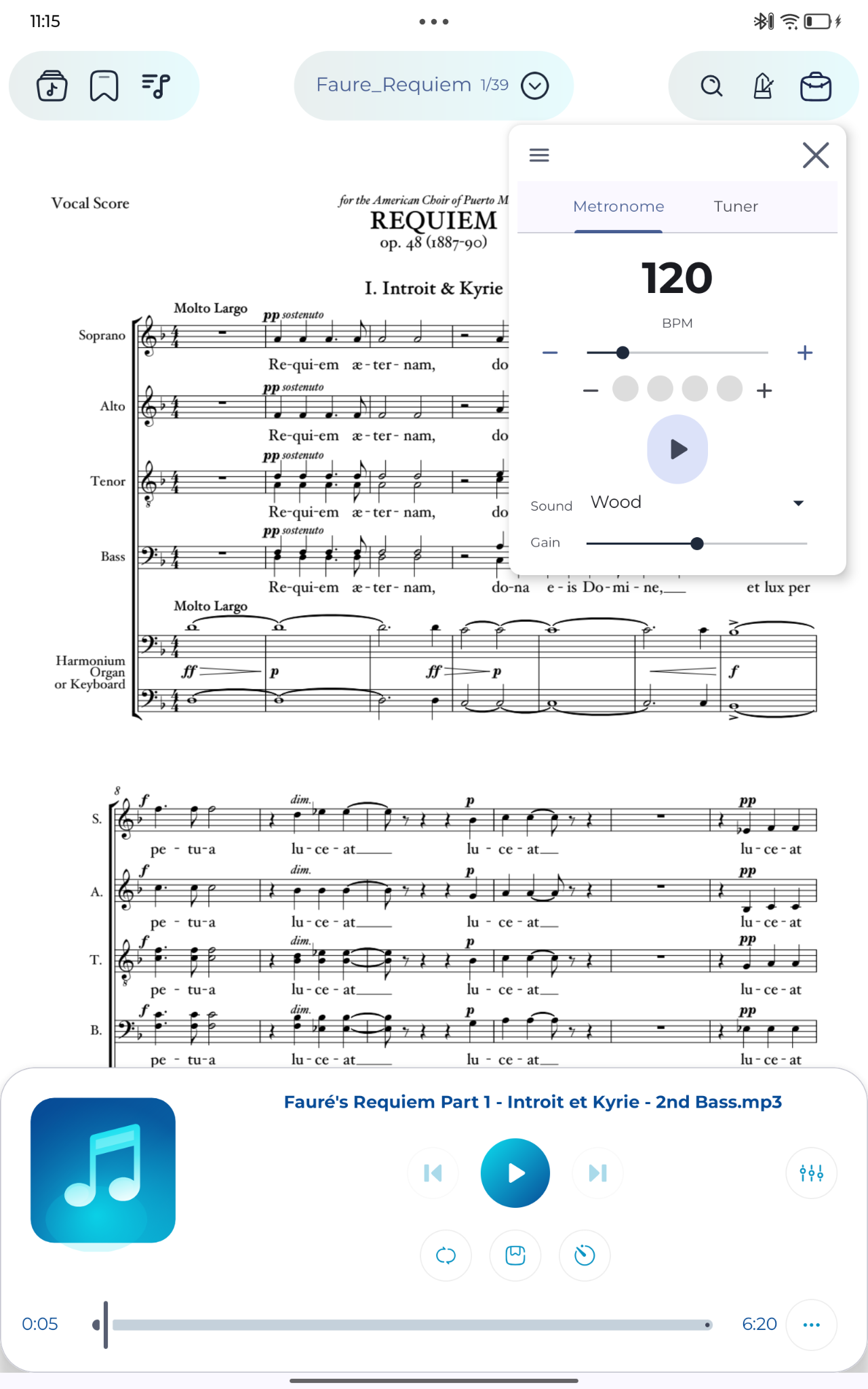
Stay in time and tune your instrument without leaving the score.
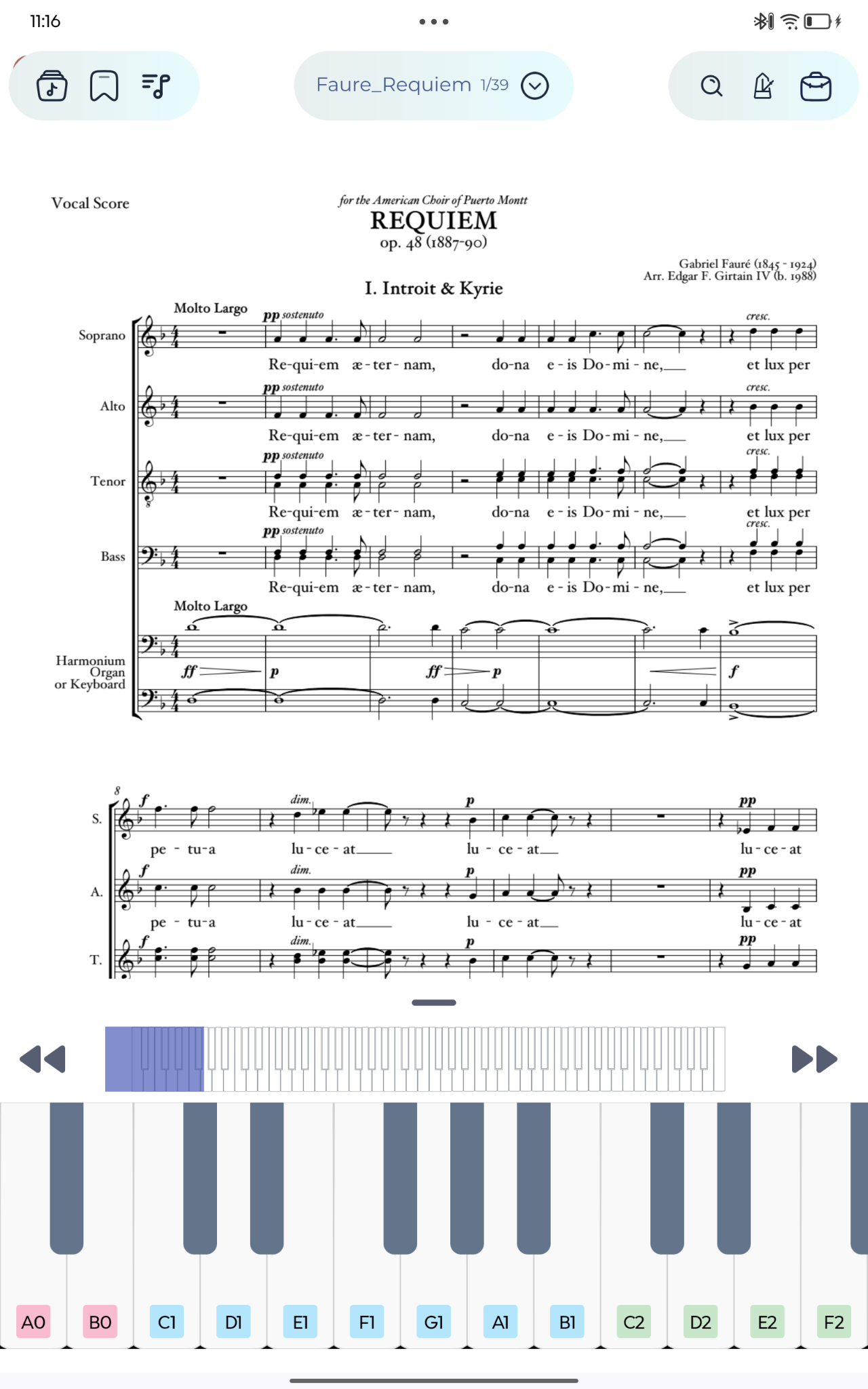
Use the built-in piano and recorder as quick rehearsal tools.
Clean scanned pages and prepare performance-ready scores.
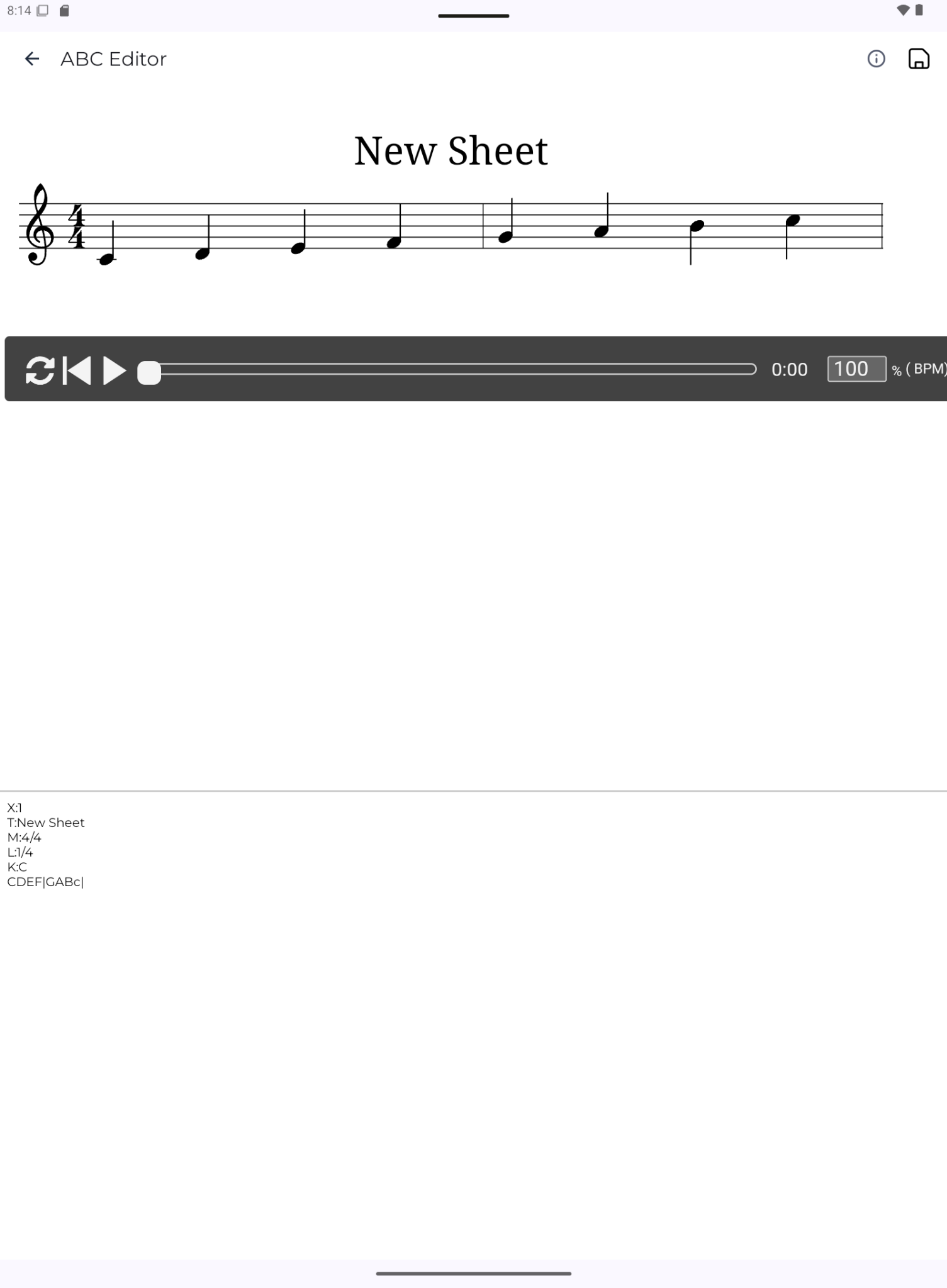
Create scores from ABC text with live preview and clean PDF rendering.
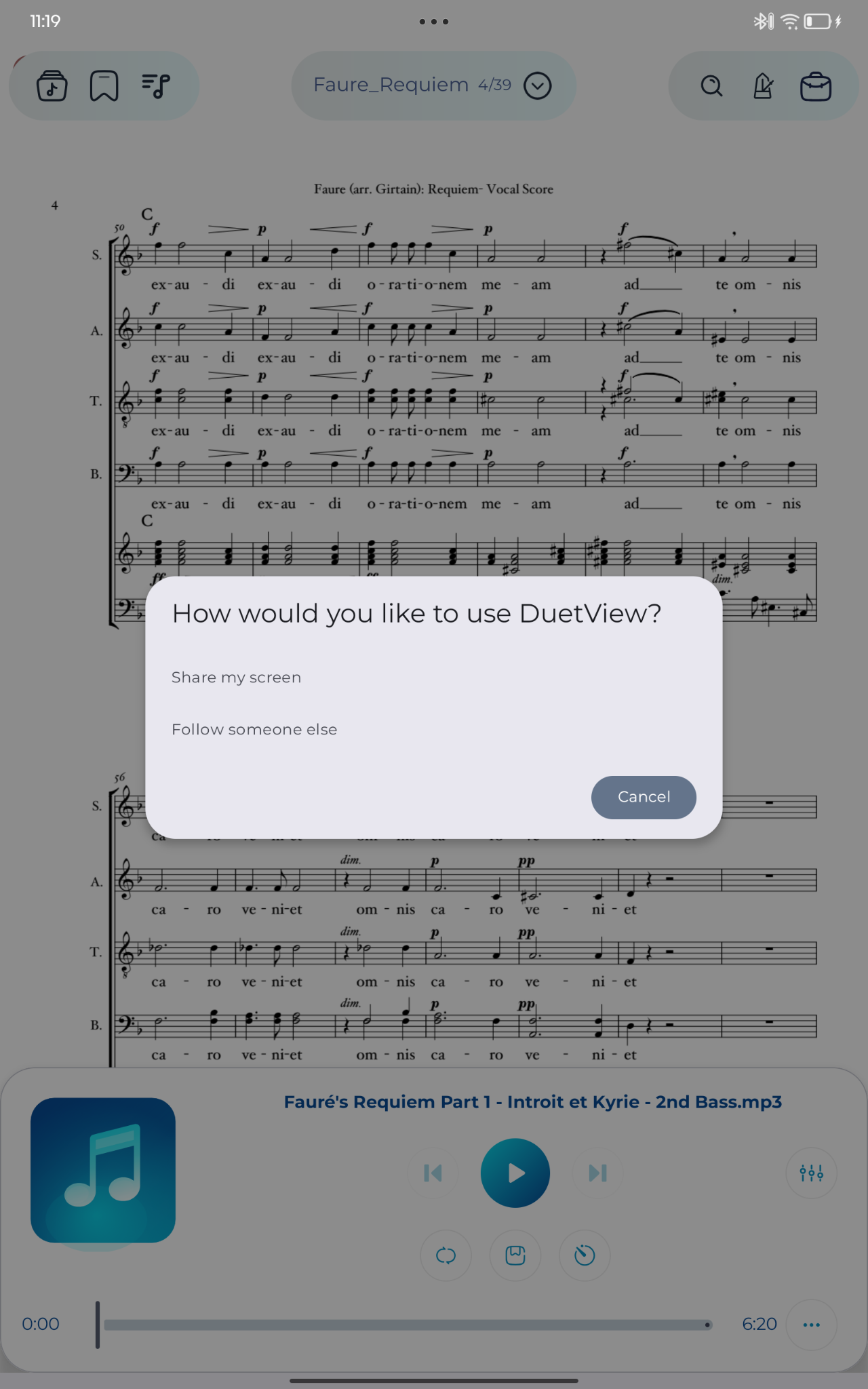
Sync two tablets over Wi‑Fi Direct for shared page turns and duet performance.
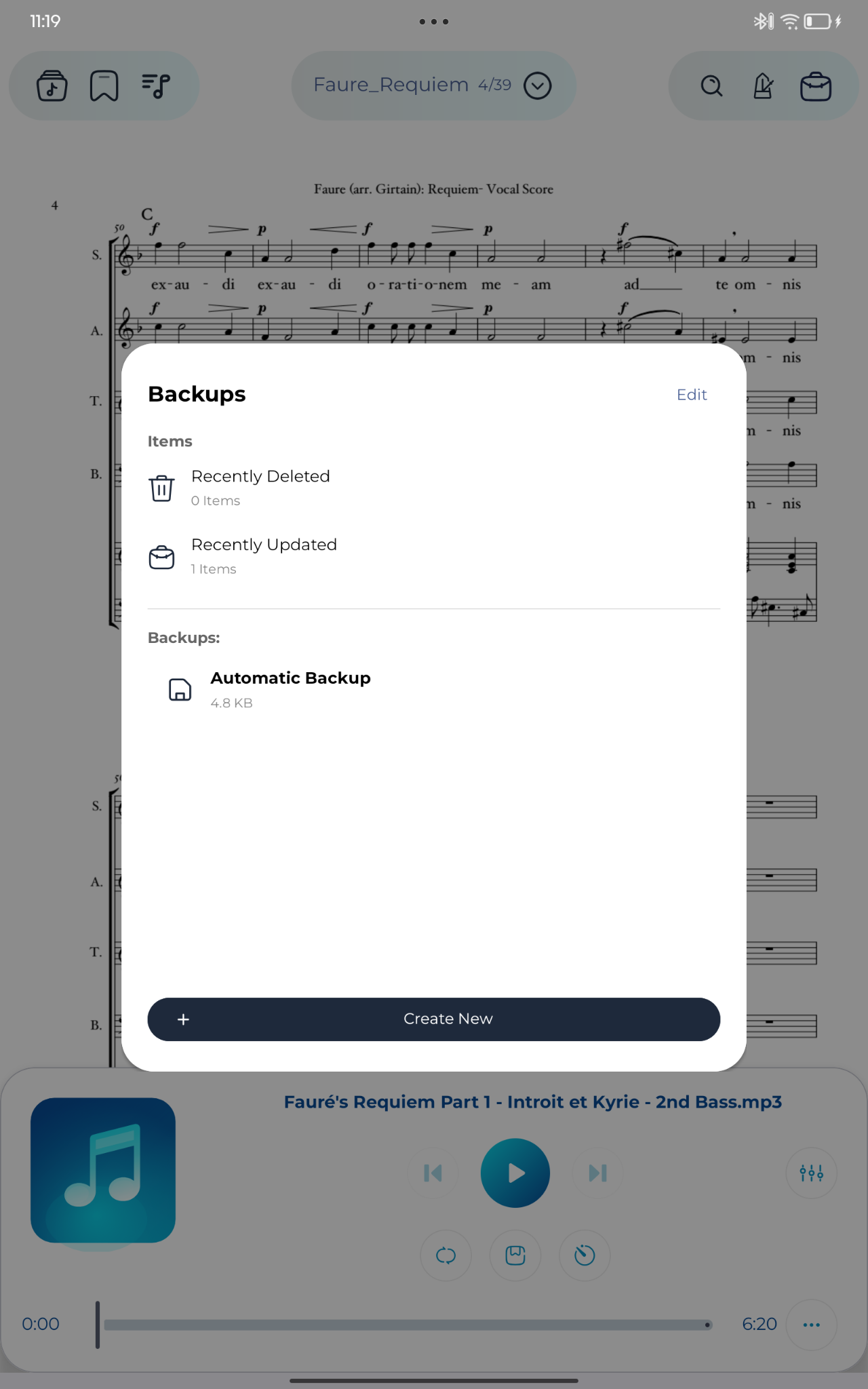
Protect your library with automatic backups and full archive files.
Customize navigation, theme, page turning, landscape view, and performance controls.
Open your library, import your first score, and learn the main navigation.
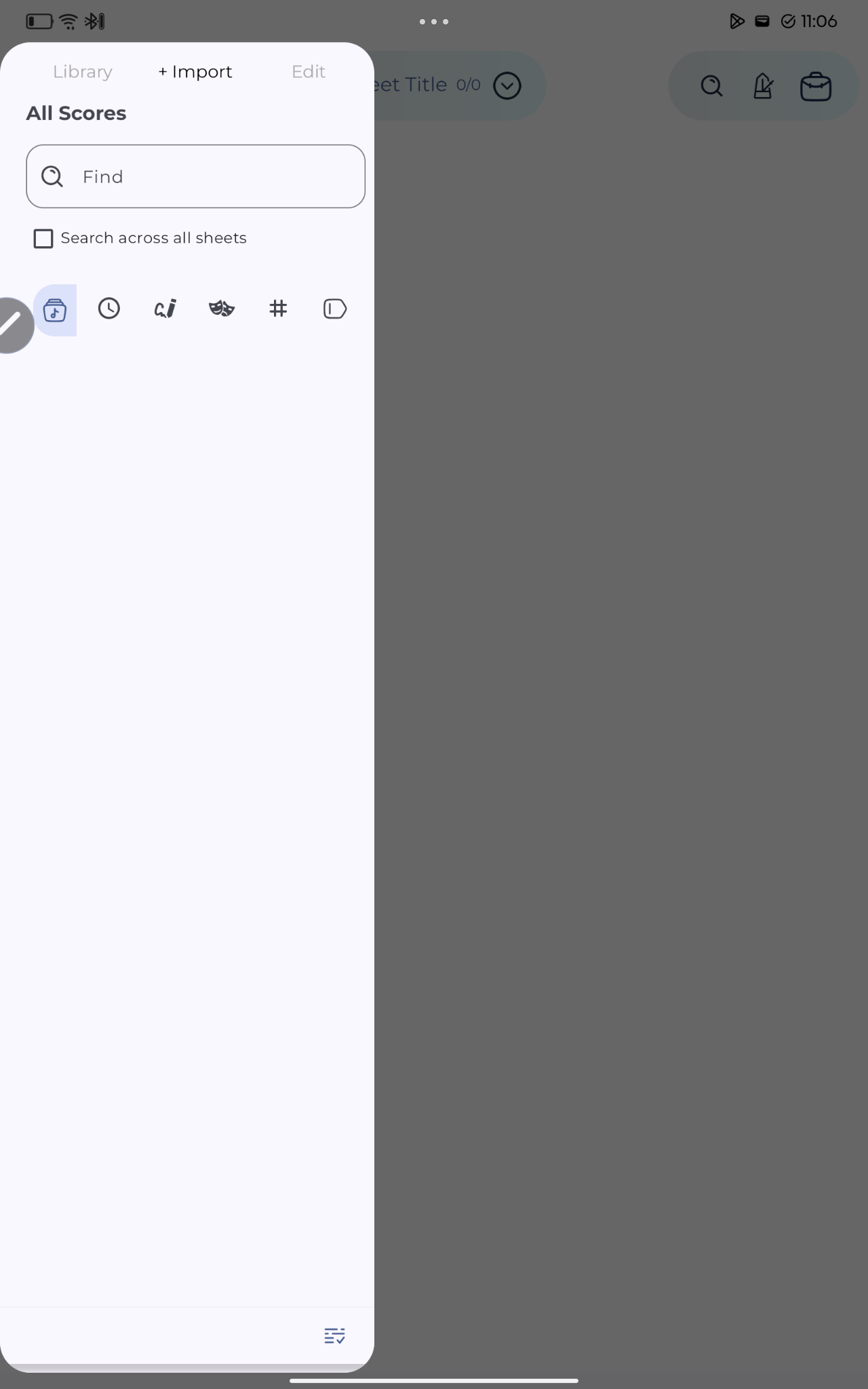
Use metadata, libraries, filters, tags, labels, composers, and ratings to keep a large music library easy to search.
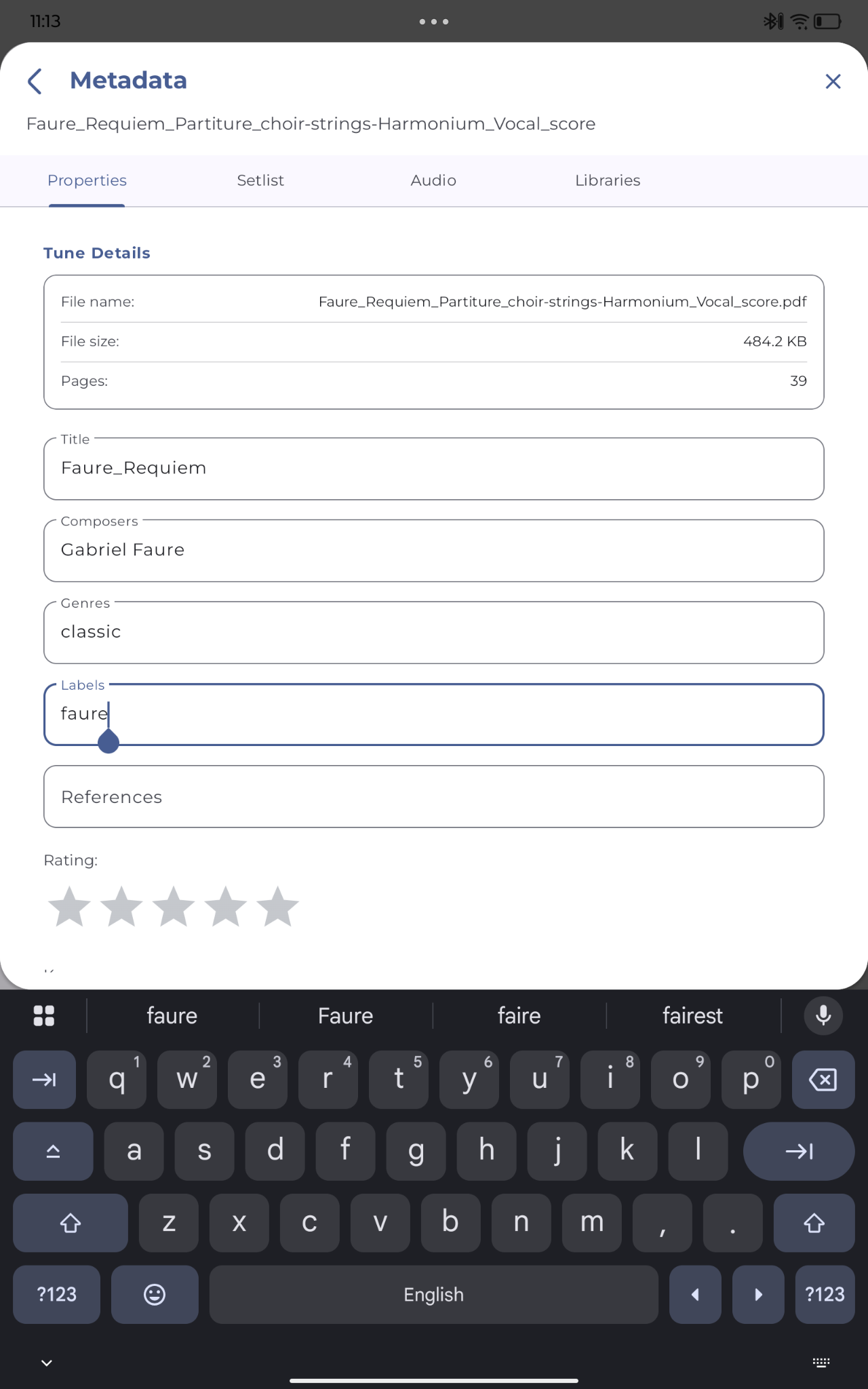
Read scores in a clean viewer with tap, swipe, zoom, pan, split view, and text search.

Mark music naturally with pen, highlighter, eraser, text, stickers, presets, layers, undo, and redo.
Attach MP3 files and YouTube links to sheets for rehearsal, reference, backing tracks, and page-turn recording.
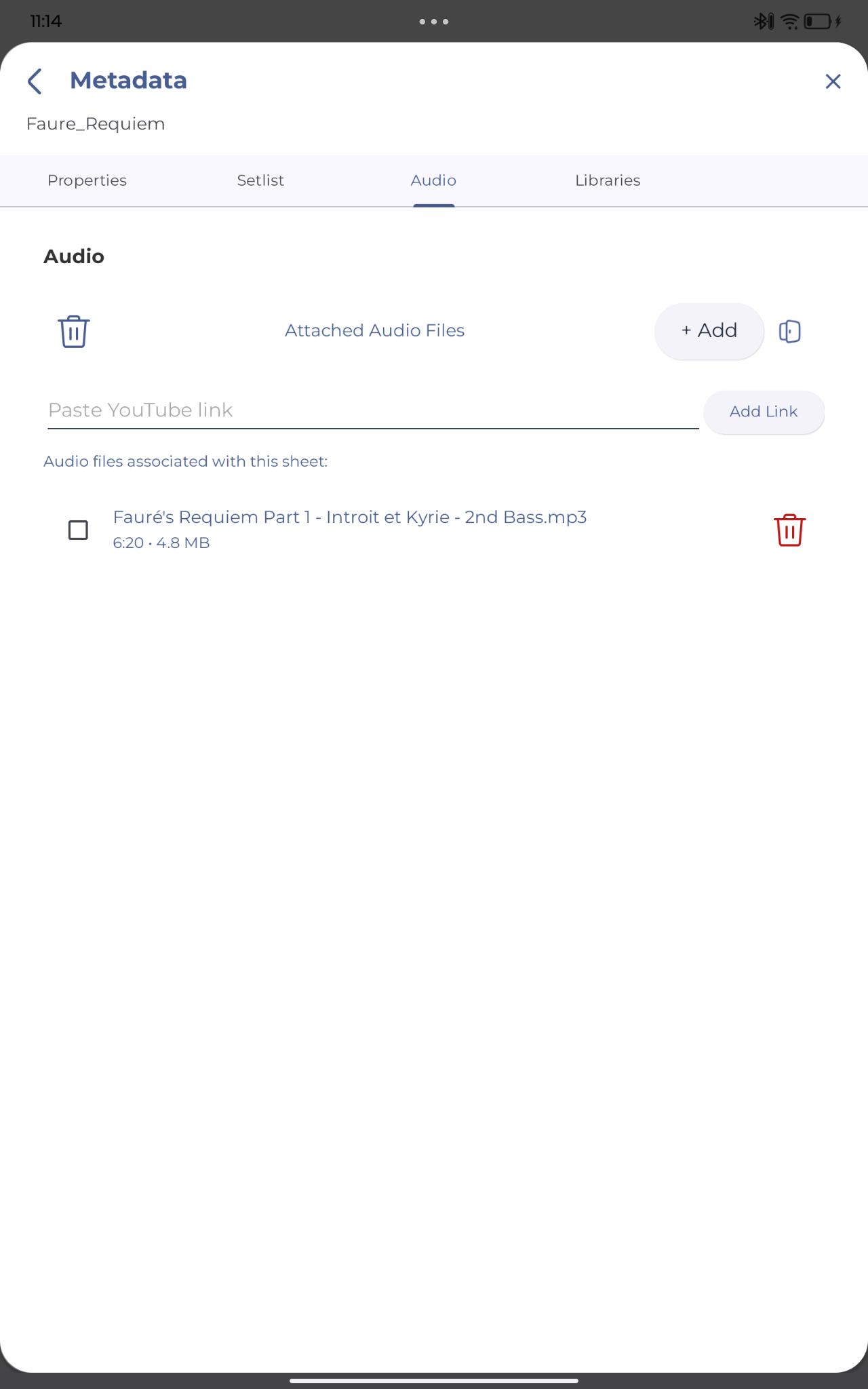
Practice difficult passages by slowing audio down or changing pitch for local files.
Stay in time and tune your instrument without leaving the score.
Use the built-in piano and recorder as quick rehearsal tools.
Clean scanned pages and prepare performance-ready scores.
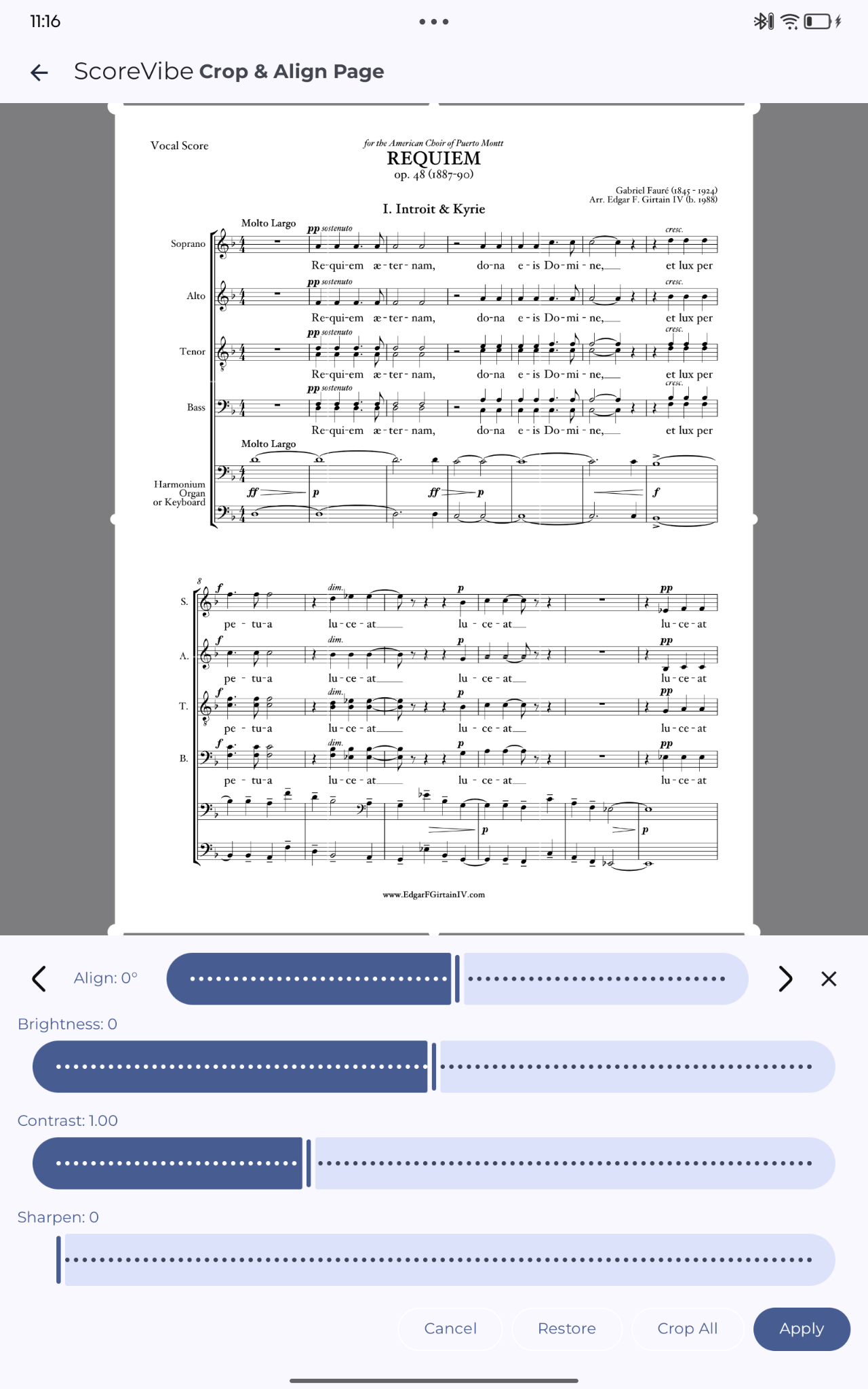
Create scores from ABC text with live preview and clean PDF rendering.
Sync two tablets over Wi‑Fi Direct for shared page turns and duet performance.
Protect your library with automatic backups and full archive files.
Customize navigation, theme, page turning, landscape view, and performance controls.
Quick Reference
| Input | Action |
|---|---|
| Tap left / right third | Previous / next page |
| Swipe left / right | Previous / next page in swipe mode |
| Double-tap center | Enter annotation mode |
| Pinch | Zoom in / out |
| Stylus buttons | Previous / next page or temporary eraser |
| Bluetooth media buttons | Previous / next page |
| Head turn | Hands-free page turning |